
Infinite Expansion · Platform & Automation
One login. One search. Your whole business.
Automation, reports and the controls behind every app.
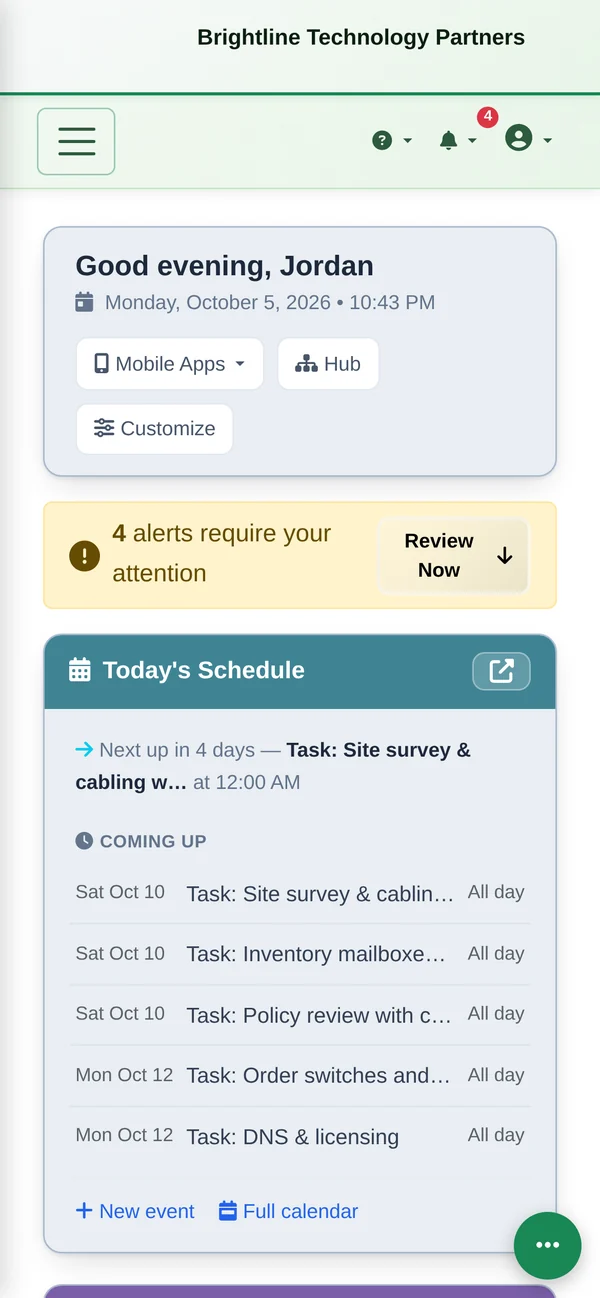
Workflow rules automate the routine (“when a renewal is 60 days out, create a task for the account manager”). Reports cover every app. Faxes arrive in the browser. And it all works on the phone, installed to the home screen like an app.
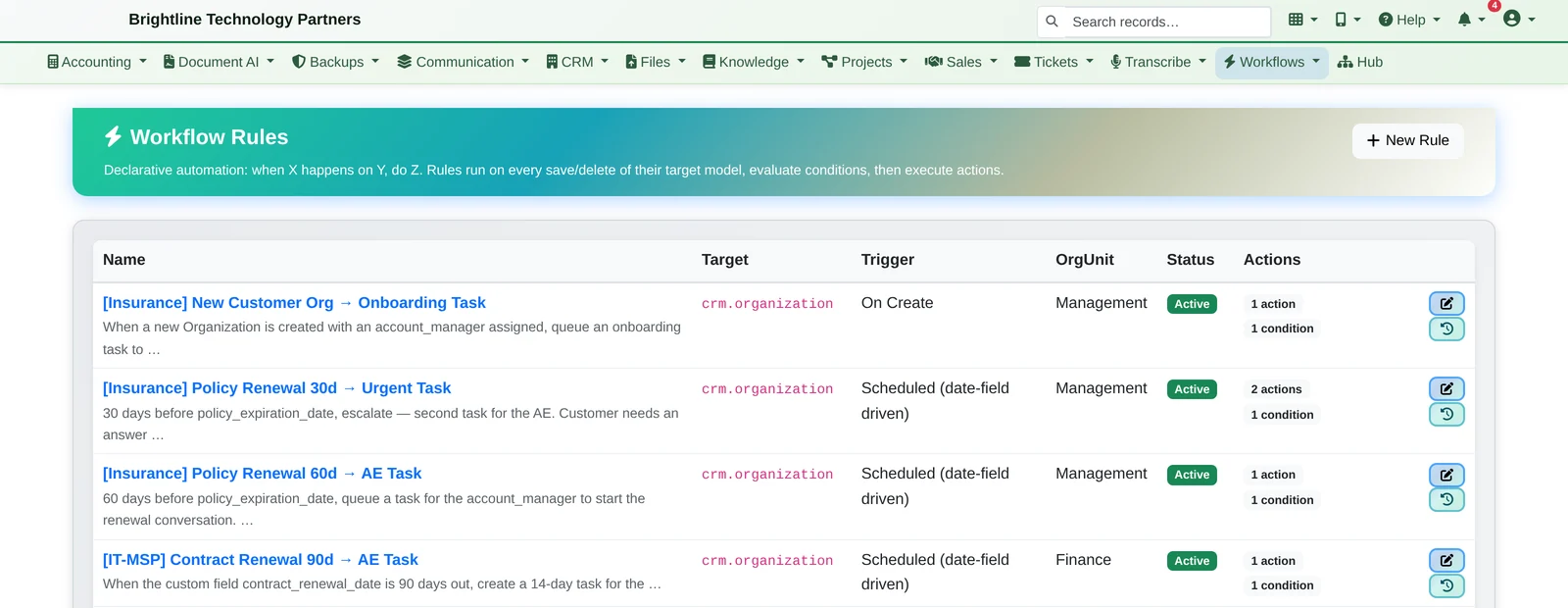
Every app shares one system. One login, one search box and one set of permissions, so a rule, a report or a reminder can reach across all of them.
Workflow Automation
When this happens, do that. Every time.
When…
- a record is created, such as a new customer
- something changes, such as a customer being marked inactive
- a date approaches, such as a renewal 30, 60 or 90 days out
…then
- create tasks for the right person
- notify people
- update fields
Industry setups come with their rules ready-made: one click sets up the fields, menus, saved views and automation for your kind of business. See the industry packs
Reports
Reports for every part of the business.
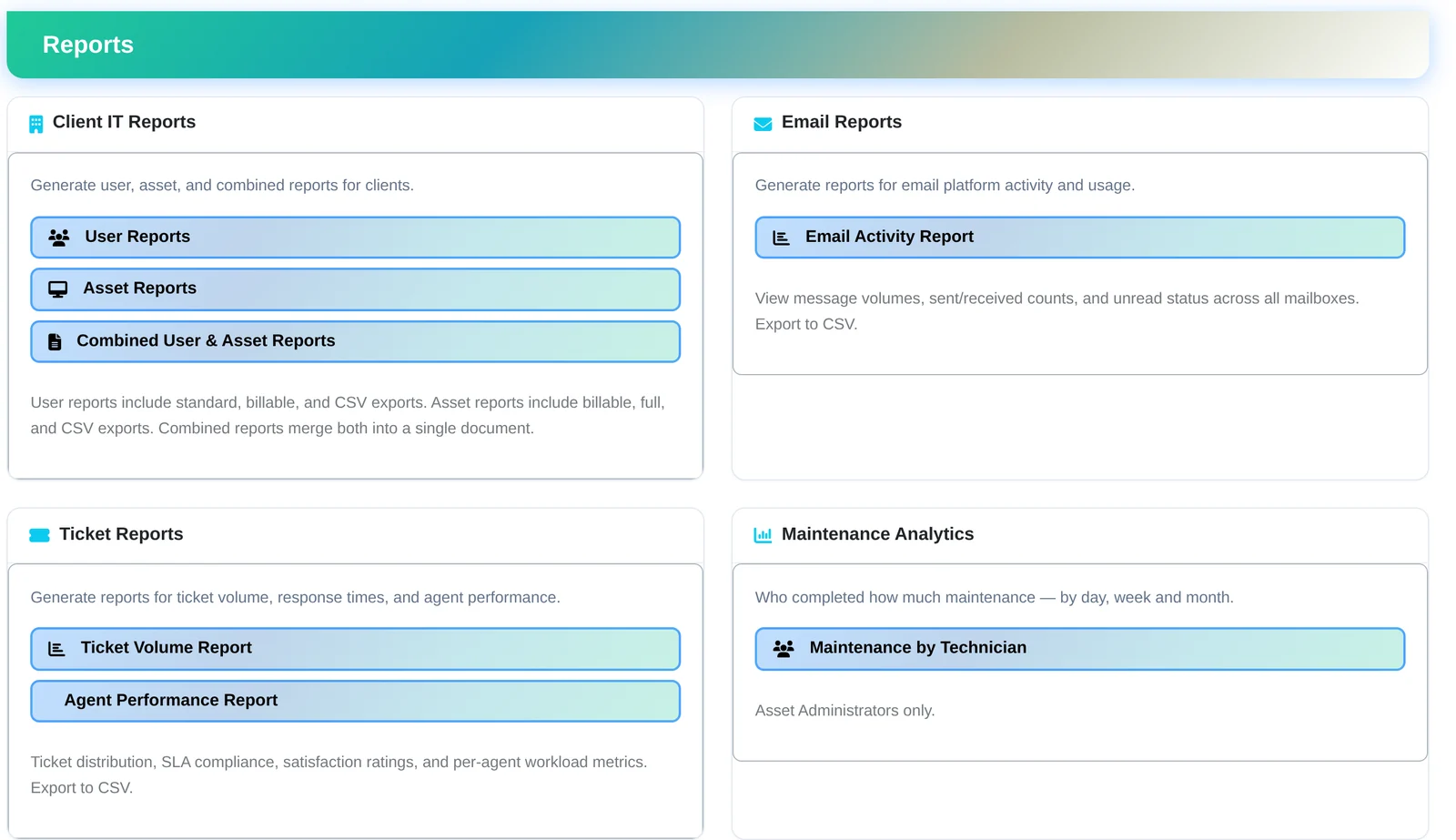
- Reports across every app: clients, email, tickets, sales, CRM, operations and more
- Ticket volume, response times, SLA and per-agent workload
- Export to PDF or CSV
Fax
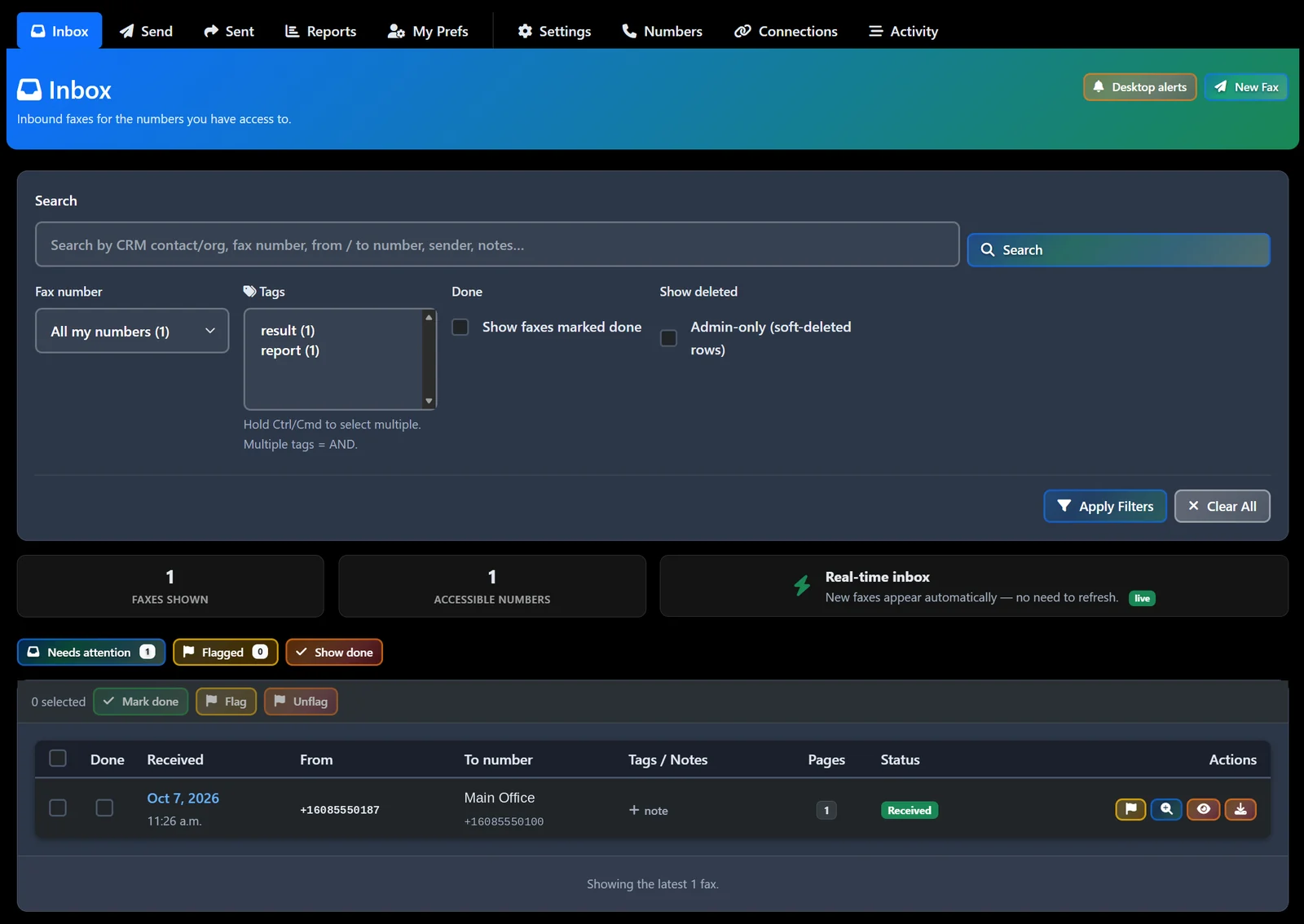
Faxing without a fax machine.
- Send and receive faxes in the browser
- Inbound faxes land in a shared inbox in real time, with no refresh
- Flags, tags and notes, and links to CRM contacts
- Each person sees only the fax numbers they have access to
Set Up Your Way
Your brand, your teams, your AI budget.
- Your branding: logo, colors and email templates
- Your structure: an organization hierarchy with menus and permissions per team
- AI spending: a dashboard with per-user caps, a daily digest and alerts when spending looks unusual
- Connectors for the tools you already use, including a one-way QuickBooks sync
- Installable phone apps, each with your company's name and icon on the home screen
- Built-in Help and guides on every page
Tell us the job you do by hand every week.
We'll show you the rule that does it for you, and the report that proves it got done, in about 20 minutes.